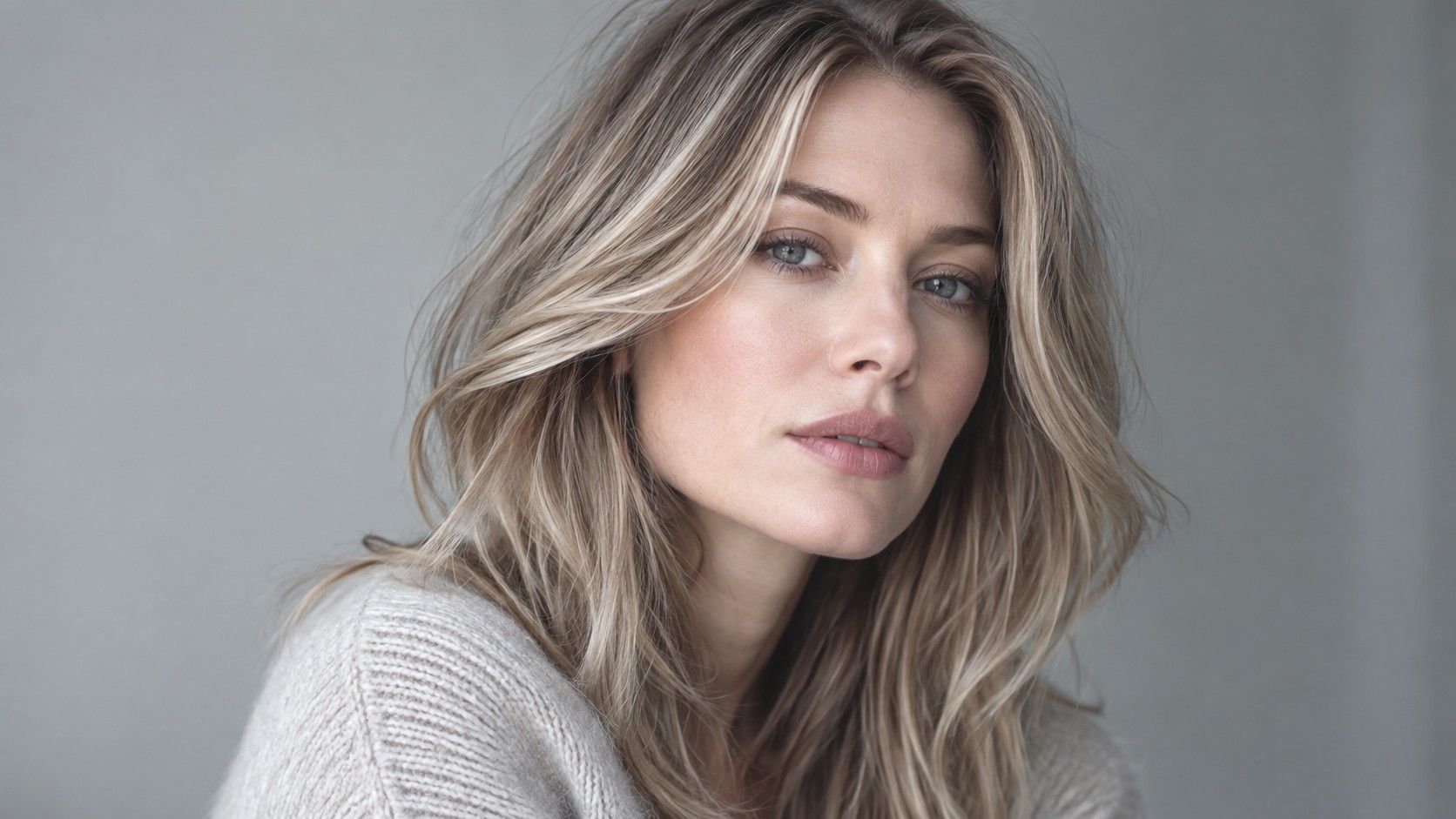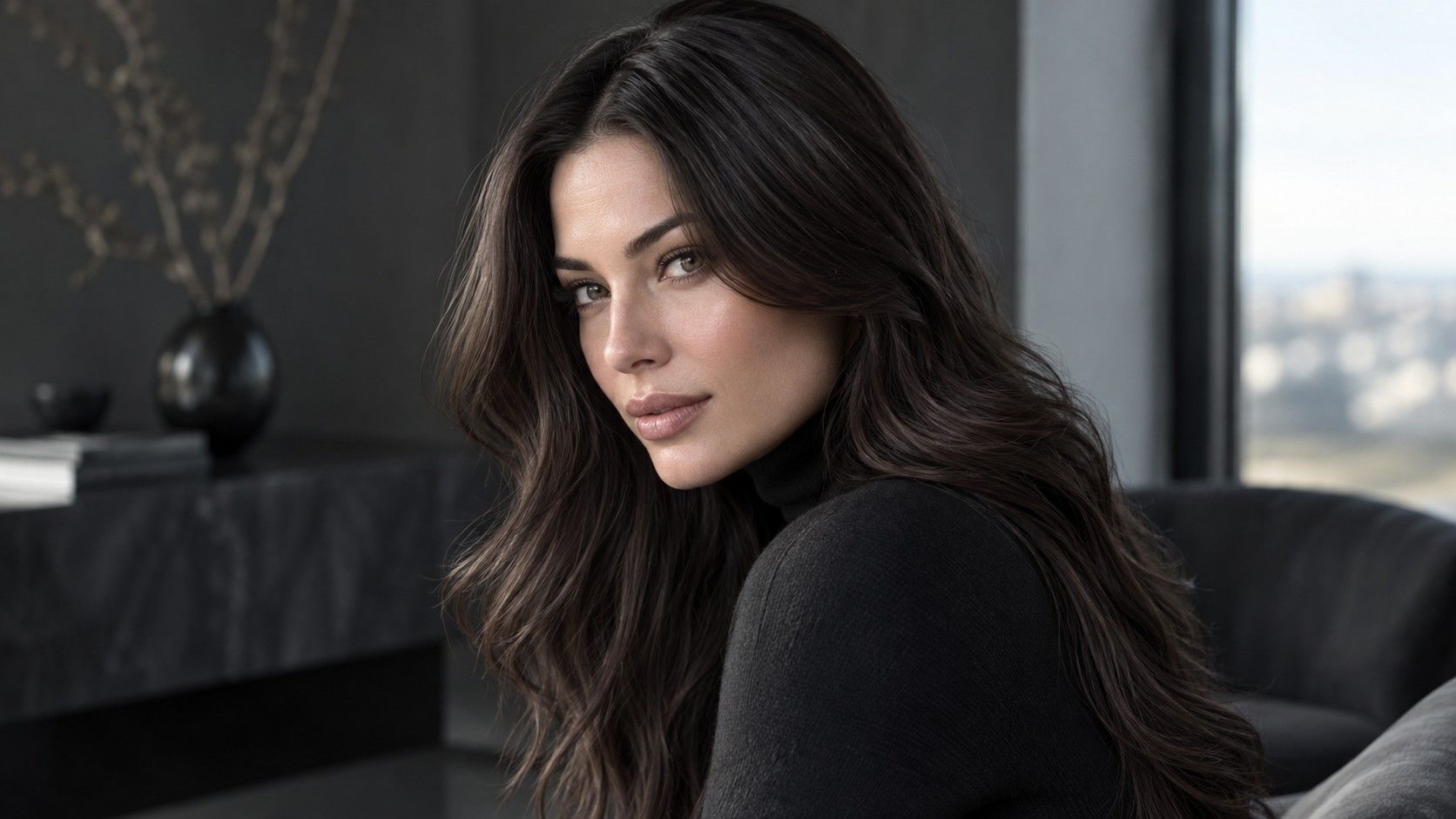
A hair dye virtual try-on is most useful when it helps you reject bad directions and compare good ones. It is not a promise that a formula will look identical on your hair. Real color depends on natural depth, previous dye, lighting, texture, and the way the hair moves. Used with that limitation in mind, a preview can save you from arriving at a salon with one glamorous screenshot and no practical plan.
Use a preview to compare families, not exact formulas
The first useful question is not “Can this app show my final color?” but “Which family makes my face look clearer?” Compare brunette, beige blonde, warm blonde, copper, and a deeper option side by side. A virtual hair dye try on often gets the broad direction right even when it misses the exact reflection. You may discover that cool ash makes you look drained, or that a medium brown brings out your eyes more than a bright blonde ever did.
Limit the first round to four or five distinct choices. Twenty nearly identical filters turn the process into a scrolling contest rather than a decision. Save one image from each family and return to them later, preferably after looking away for a few hours. The strongest option is often the one that still looks plausible when the initial surprise has worn off, not the one that makes the largest immediate transformation.
Choose a realistic starting hair color
A simulation begins with the photo, so use one that shows the hair you actually have. Take it in daylight near a window, with the face unobstructed and the hair down in its usual part. Avoid a strong beauty filter, direct sun, colored room lighting, or an old photo from a period when your hair was already lighter. If the app guesses the starting level incorrectly, every simulated result will be misleading.
Previous color matters too. Hair that has been lightened, colored dark, or exposed to mineral-heavy water may not react like untouched hair. A preview cannot read that history. It can still show whether you prefer a warm or cool direction, but it cannot calculate how an underlying orange lift or dark artificial pigment will change the outcome. Treat the image as a conversation starter, not a color chart.
| What a virtual preview can help with | What it cannot guarantee |
|---|---|
| Comparing warm, cool, light, and dark families | The exact result of a salon formula |
| Seeing whether contrast suits your brows and skin | How existing dye will lift or fade |
| Choosing references for a consultation | How a color will look in every lighting condition |
| Testing the idea of a bold change before committing | Maintenance, texture changes, or grow-out |
Think about upkeep before falling for a simulation
A filter never shows the fourth week. That is why maintenance belongs in the shortlist from the beginning. A bright blonde may look appealing on screen but require frequent toning, careful conditioning, and a visible root plan. A rich copper may fade warmer with washing. A soft brunette gloss can be lower commitment, but it may also need refreshing if you want the shine and reflection to remain noticeable.
Write a small note under each saved option: how much lighter or darker it is than your natural hair, whether it depends on a cool or warm reflection, and whether you would still like it when roots appear. This turns a hair dye simulator from an entertainment tool into a practical comparison. A color that is slightly less dramatic but easy to maintain may be the one you enjoy for months rather than for one photographed afternoon.
Bring useful references to a professional
A virtual try-on can make a salon consultation more efficient when you bring a focused set of images. Include the original daylight photo, two preferred simulations, and one image showing what you do not want. Say what attracts you in each example: the depth at the root, the beige quality of the blonde, the warmth around the face, or the amount of contrast. These details are more actionable than saying you want the filter exactly.
Also describe your hair history plainly. Mention recent color, lightening, dark box dye, smoothing treatments, and how often you are willing to come back for maintenance. A professional can then separate a visual preference from a realistic first appointment. The result may be a staged path rather than the final shade immediately, which is often the safer and more flattering choice for a major shift.
Make a lower-commitment test when you are unsure
If the preview has narrowed the choice but not settled it, try a lower-commitment version of the direction. A gloss can test warmth or deepen a brunette. A few face-framing pieces can reveal whether a lighter blonde works with your skin. A toner can show whether beige or ash feels more comfortable. These options are not exact substitutes for permanent color, but they create real-world evidence that a screen cannot provide.
For any product used on the scalp or hair, follow its instructions and perform the manufacturer-recommended patch test. A virtual preview has no bearing on sensitivity or compatibility. If you have had a reaction to hair color before, or if your hair is fragile from previous processing, a consultation is a better next step than treating a flattering filter as a reason to rush.
Check the shortlist in ordinary light
Before making an appointment or buying color, look at the saved images on a larger screen and at different times of day. Phone displays often boost saturation, while a dim room can make every brunette look deeper and every blonde look cooler. Place the originals and simulations beside each other rather than relying on memory. Notice which option keeps the skin even, works with the brow depth, and still leaves you recognizable.
Testing hair color on a photo is valuable because it makes comparison easy. Its limitation is also its value: it asks you to slow down and choose a direction before chemistry, cost, and maintenance enter the picture. Use the virtual try-on to build a sensible shortlist, then let natural hair level, professional judgment, and real daylight decide how far you take it.